Why Isn’t My GoPro Max Charging?

There is nothing quite as frustrating as plugging in your 360 camera the night before a trip, waking up, and finding out it is still dead. You are left staring at a blank screen wondering if your adventure is canceled before it even starts. Why isn’t my GoPro Max charging?
Most of the time, the camera isn’t broken. It is just stuck in a common trap involving temperature sensors, finicky cables, or a frozen software state.
Lithium-ion batteries require precise voltage delivery, often needing a stable 5V/3A stream as of 2026 to wake from a deep discharge. Let’s walk through how to figure out what is going on and get that battery topped up safely.
Quick Answer
The GoPro Max won’t charge due to overheating. It may also use a weak power source. Bad cables cause failure too.
Stuck battery pins block power. Frozen software stops charging. Fix these issues now.
The 60-Second Hard Reset to Wake Up a Dead GoPro Max
Sometimes the internal computer of the camera gets confused and locks up. This glitch makes the device think it should not accept power even when everything else works properly. We need to force a hard reset to clear out any lingering charge.
Open the battery door on the side of the housing and take the lithium-ion power cell completely out. Unplug any external power cords from the USB-C port. Leave the camera completely naked without a battery or SD card for about sixty seconds.
This simple step drains residual energy trapped in the internal capacitors.
Put the battery back inside and close the door firmly until you hear a solid click. Plug the unit directly into a wall charger and watch the front status light. A glowing red indicator means it is successfully taking a charge.
If you need a compact rig for capturing fast-moving outdoor journeys, keeping your power accessories in working order is essential.
Temperature Check: How Overheating Blocks Charging
Action cameras pack incredible processing power into a tiny plastic and metal box. Because of that heavy workload, they run hot during normal recording sessions. If your camera got hot during its last use, or if it sat in direct sunlight while plugged in, safety features will block current flow.
Lithium-ion batteries feature strict thermal thresholds defined by the IEEE standards on battery safety to prevent dangerous chemical breakdowns. When internal temperatures climb past safe limits, charging halts automatically. Unplug the device immediately, open the side door, and extract the power pack.
Set the components aside in a cool and shaded spot for at least fifteen minutes. Once everything feels neutral to the touch, reinsert the battery and try plugging it in again.
Power Sources Matter: Why Computer USB Ports Fail
We all keep a drawer full of random USB cords, but not all cables and power bricks are created equal. The GoPro Max is quite particular about what it draws power from. Try plugging into a standard wall adapter instead of a computer USB port.
Computers often output a measly 0.5A to 0.9A through their data ports. That low amperage is simply not enough to wake a deeply depleted action camera battery.
| Power Source | Output Rating | Charging Performance |
|---|---|---|
| Computer USB Port | 5V / 0.5A to 0.9A | Avoid. Too weak for a depleted battery. |
| Standard Phone Charger | 5V / 1A to 2A | Functional, but charging times will be slow. |
| Power Delivery Fast Charger | 5V/3A or 9V/2A | Best choice. Powers the camera efficiently. |
Swap out your USB-C cable if upgrading the power block doesn’t fix the issue. Internal wire breaks happen frequently on the road. A cord that still transfers data might have a broken power conductor inside its sheath.
Inspecting Battery Contacts and Spring Pins
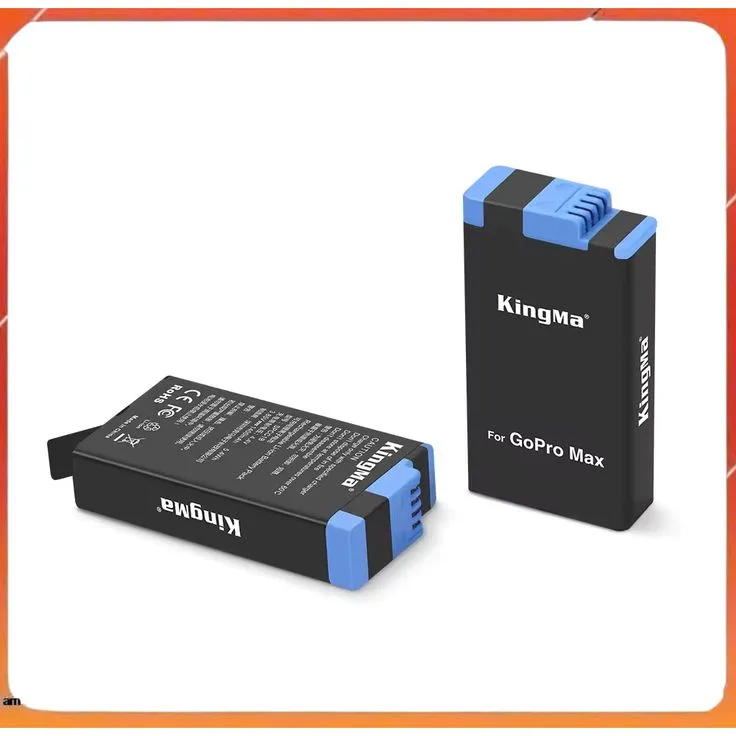
If your camera has seen plenty of field use, dirt, salt water, or dust might have worked its way inside the battery compartment. Look closely at the tiny gold spring pins sitting inside the camera body. Are they all sitting at the exact same height, or is one stuck down?
If a pin is jammed, the battery cannot complete an electrical circuit. Grab a flashlight and check the battery housing for any physical debris. Look at the sides of the power pack itself.
Lithium cells can swell slightly when they reach the end of their lifespan.
If the battery looks rounded or refuses to sit flat on a table, stop using it immediately. A swollen battery represents a major safety hazard and requires proper disposal. If you want to troubleshoot tricky gear issues before a major outing, examining physical contacts is always a smart first move.
The USB Pass-Through Trick to Test Your Camera Body
Here is a great diagnostic trick to find out if your actual camera is broken or if you just need a new battery. Take the battery out of the housing completely. Plug a high-output power source directly into the bare USB-C port on the camera.
Try to turn the unit on without any battery installed. If the camera powers up and operates normally using direct wall power, your internal circuits are completely fine. That means the battery itself is dead and needs to be replaced.
If the camera refuses to show any signs of life without the battery, you are likely dealing with a hardware failure inside the internal power management board. When prepping gear for lightweight outdoor excursions, running this test helps you isolate the exact failing part quickly.
Common Charging Mistakes to Avoid
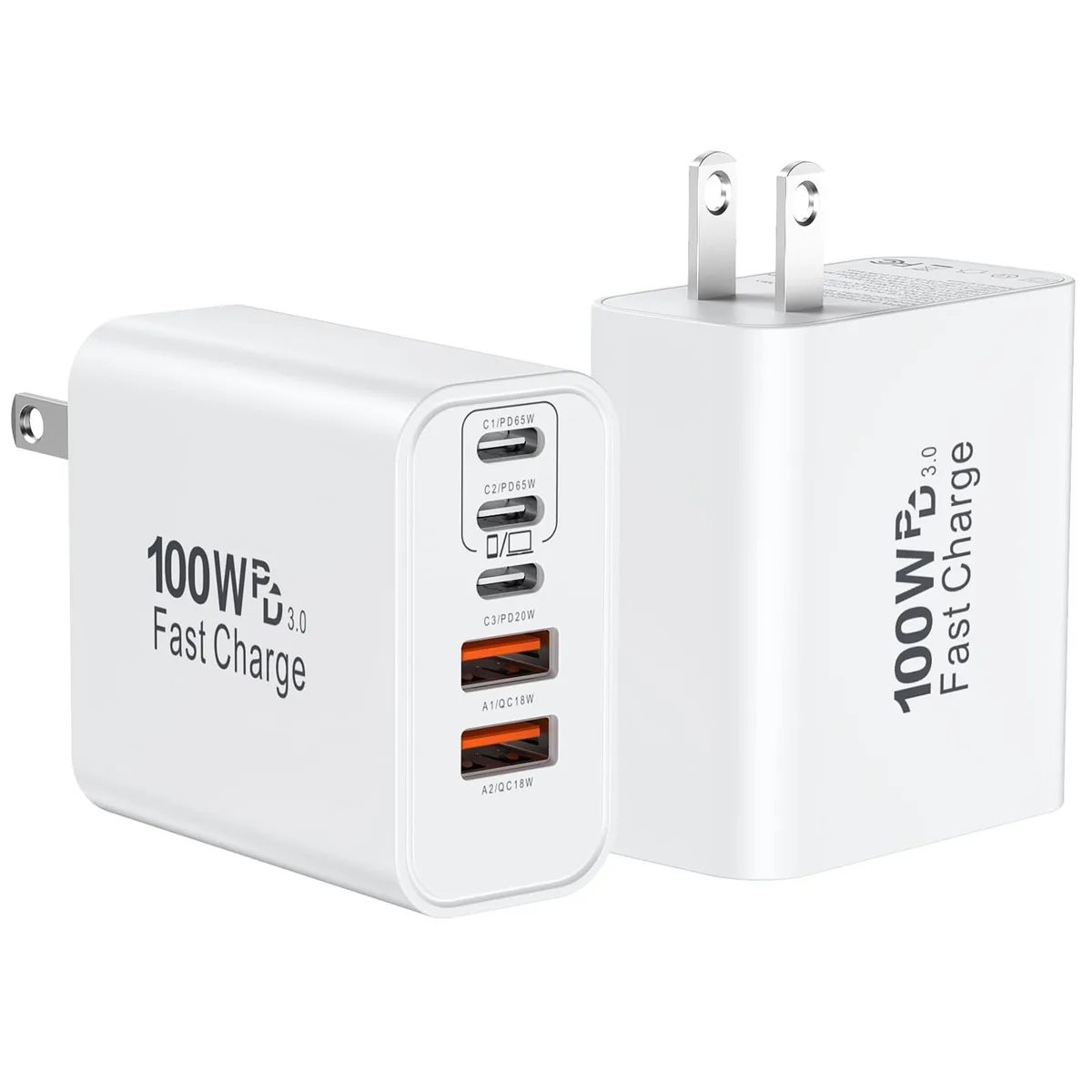
When troubleshooting a dead camera, it is easy to make mistakes that worsen the problem. Avoid using uncertified third-party charging bricks lacking proper overcurrent protection. Cheap adapters can deliver erratic voltage spikes and fry your internal power management board.
Never force a misaligned USB-C plug into the port. Doing so bends the internal pins and ruins the waterproof housing. Let the camera dry completely before plugging it in after a rainy shoot or a water sports session.
Trapped moisture inside the port causes a short circuit immediately.
Finally, do not leave your gear sitting in a hot car during summer months. Extreme cabin heat degrades the chemical integrity of lithium-ion power cells permanently.
Maintenance Tips to Extend GoPro Max Battery Life
Proper battery maintenance prevents charging headaches before they start. Store your spare power packs in a cool, dry place when you are not out shooting. Extreme temperatures degrade lithium-ion chemistry rapidly, even when the device sits powered off in a gear bag.
Always keep the battery door clean and free of grit. Wipe down the gold spring contacts with a microfiber cloth dipped in isopropyl alcohol every few months. This removes microscopic oil and dust buildup that interferes with current transfer.
Drain the battery down to roughly fifty percent if you plan to store the camera for several weeks. Leaving a battery fully depleted or fully charged for months stresses the internal cells. When you need a reliable setup for capturing sweeping landscapes, proactive gear maintenance guarantees your power systems will perform when adventure calls.
When to Replace Your Battery or Seek Professional Support
Sometimes troubleshooting steps fail because a component has reached the end of its natural service life. If you notice your camera losing charge rapidly during normal use, the internal chemical capacity has likely degraded beyond recovery. Batteries naturally lose efficiency after hundreds of charge cycles.
If you tried a new wall brick, swapped out the cable, and cleaned the spring pins without success, the problem points to a deeper hardware failure. A cracked USB-C port soldered onto the mainboard requires professional repair.
Reach out to official support channels if your device remains under warranty or exhibits physical damage. For field setups where you need reliable optical gear that withstands harsh conditions, knowing when to retire failing hardware protects your investment.
Final Summary Checklist for GoPro Max Power Issues
Running through a systematic diagnostic routine saves you from unnecessary repair bills and frustration. Start with simple physical checks before assuming your equipment is permanently broken.
- Verify your charger outputs at least 5V/3A using a wall block.
- Inspect the USB-C cable for frayed insulation or bent internal pins.
- Pop out the battery and let the camera body cool down completely.
- Perform a sixty-second hard reset with the battery and card removed.
- Test the bare camera body using direct wall power without a battery.
- Check spring pins inside the compartment for dirt or physical damage.
Frequently Asked Questions About GoPro Max Charging
Why does my GoPro Max blink red when charging?
A blinking red light usually indicates a charging error. This behavior happens when the battery is too hot, too cold, or failing to make proper contact with the spring pins inside the compartment. Remove the battery, let it rest at room temperature, and reinsert it securely.
Can I charge my GoPro Max with a laptop port?
You can plug it into a computer, but it is not recommended for a dead battery. Computer USB ports output very low amperage. That trickle of power is rarely enough to revive a deeply discharged action camera battery.
Always use a dedicated wall block instead.
How do I know if my GoPro Max battery is dead?
Remove the battery from the camera and plug a high-output USB-C power source directly into the bare housing. Try turning the camera on. If the unit boots up normally on wall power alone, your battery is dead and needs replacement.
Why is my GoPro Max taking so long to charge?
Slow charging usually stems from a weak power source like an old phone charger or a computer port. Switch to a Power Delivery fast charger that outputs at least 5V/3A. A faulty or frayed cable can also limit power delivery speed.
Is it safe to leave my GoPro Max plugged in overnight?
Modern GoPro cameras feature smart charging circuits that stop drawing power once the battery reaches one hundred percent. However, leaving electronic devices plugged in continuously for days on end puts unnecessary stress on the internal power management system. Unplug it once the status light turns solid blue.