How to Use DSLR Camera Shutter Priority
Trying to capture a running dog or a speeding car, and every shot comes out blurry? That is the exact moment you need to learn how to use DSLR camera shutter priority. This mode puts you in control of motion, letting you freeze fast action or blur movement for creative effect.
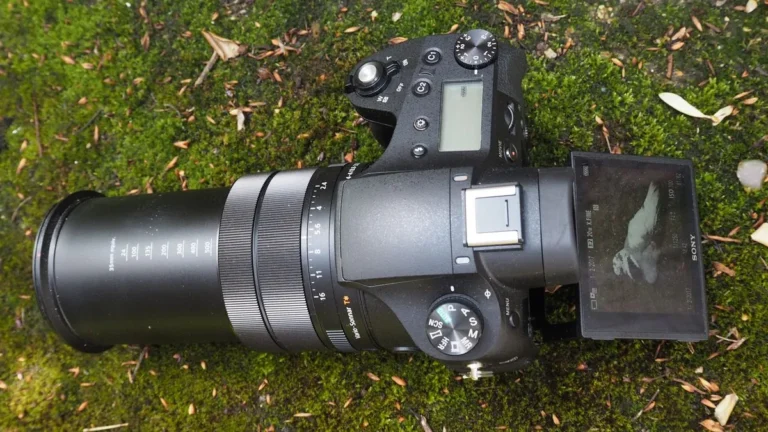
Our research shows this is the single most useful mode for action photography. You choose the shutter speed, and the camera automatically picks the correct aperture. As of 2026, every DSLR and mirrorless camera includes this mode, labeled Tv on Canon and S on Nikon and Sony.

Image source: Bing (Web (fair-use with source credit))
Quick Answer
Set your mode dial to Tv or S. Choose a shutter speed based on your subject. The camera handles the aperture.
For walking people, try 1/250. For birds in flight, use 1/2000. Check your exposure.
Adjust ISO if needed.
What Is Shutter Priority and When Should You Actually Use It?
Shutter priority is a semi-automatic mode where you control the shutter speed while the camera selects the aperture. Your job is one number. The camera handles the rest of the exposure triangle.
This mode shines in three situations. First, when your subject moves and you need to freeze it. Second, when you want intentional motion blur, like silky waterfalls.
Third, when the light changes quickly and you cannot adjust aperture every shot.
| Scenario | Shutter Priority? | Better Alternative |
|---|---|---|
| Freezing a bird in flight | Yes | Manual if light is constant |
| Portraits with blurry background | No | Aperture priority |
| Kids playing sports | Yes | Shutter priority |
| Night sky long exposure | No | Bulb mode or manual |
The mode is less useful when depth of field matters most. If you need a specific aperture for scenic shots, switch to aperture priority instead. For general photography, some shooters prefer a dedicated setup for specific genres.
A Simple Step-by-Step Guide to Using Shutter Priority Mode
Follow these steps. The process is the same across all camera brands.
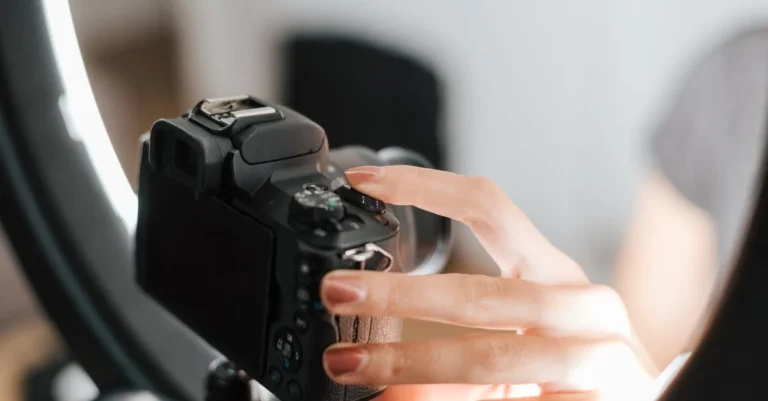
Step 1: Set the mode dial. Find the Tv or S icon on your camera’s mode dial. Turn it to that position. The shutter speed value appears in the viewfinder.
Step 2: Choose your shutter speed. Rotate the main dial to select your desired speed. The camera shows the aperture it will use. If the aperture number blinks, your shot will be over or underexposed.
Step 3: Set your ISO. In bright light, keep ISO at 100 or 200. In dim conditions, raise it to 800 or 1600. Many cameras offer auto ISO, which is a good starting point for beginners.
Step 4: Check your exposure. Half-press the shutter button. The exposure meter at the bottom of the viewfinder should be centered. If it is not, adjust your shutter speed or ISO.
Step 5: Shoot and review. Take a test shot. Check the histogram on the back of your camera. If the image is too dark or bright, use exposure compensation to fine-tune it.

Image source: Web (Bing) / reddit.com (Web image (fair-use with source credit))
Common Mistakes Beginners Make (And How to Avoid Them)
Even experienced photographers make these errors. Here are the most common ones and how to fix them.
Mistake 1: Not watching the aperture. In shutter priority, the camera chooses the aperture. If you pick a very fast shutter speed in low light, the camera may open the lens to its widest setting. That can reduce sharpness.
Solution: raise your ISO so the camera can use a smaller aperture. For better results in dim conditions, choose a body that handles low light well.
Mistake 2: Forgetting about camera shake. A fast shutter speed freezes your subject, but a slow shutter speed captures your own hand movement. The general rule is 1 divided by your focal length. For a 200mm lens, use at least 1/200.
Image stabilization helps, but it is not magic.
Mistake 3: Ignoring the exposure compensation dial. Shutter priority does not always get exposure right. Backlit subjects or very dark scenes confuse the meter. Use exposure compensation to brighten or darken the image.
Dial it to plus or minus as needed.
Mistake 4: Using too slow a shutter speed for action. A running child needs 1/500. A cyclist needs 1/1000. A bird in flight needs 1/2000.
If your subject is still blurry, increase the speed. The camera will compensate with a wider aperture or higher ISO. For fast-moving wildlife, a camera built for aerial subjects makes a real difference.

Image source: Web (Bing) / pinterest.com (Web image (fair-use with source credit))
A Quick Reference: Shutter Speeds for Common Subjects
Use this table as a cheat sheet when you are out shooting. These are starting points. Adjust based on your specific conditions.
| Subject | Recommended Shutter Speed | Notes |
|---|---|---|
| Standing person | 1/60 to 1/125 | Use 1/125 to avoid camera shake |
| Walking person | 1/250 | Fast enough to freeze legs |
| Running person | 1/500 | Freezes arms and stride |
| Cycling | 1/1000 | Freezes spokes and wheels |
| Car on road | 1/1000 | Freezes the car |
| Bird in flight | 1/2000 | Freezes wing motion |
| Waterfall (silky) | 1/15 to 1/2 | Use tripod for these speeds |
| Panning a car | 1/30 to 1/60 | Blurs background, keeps car sharp |
| Night traffic | 2 to 30 seconds | Tripod required, use bulb mode |
For creative effects, experiment with these settings. A slower speed can show motion. A faster speed gives sharp detail.
For rapid-fire sequences, consider a camera with fast burst shooting.
Nikon’s official support site confirms that S mode functions identically across their DSLR lineup, with the same logic applying to Canon’s Tv mode.
Frequently Asked Questions
What is the difference between Tv and S mode?
Tv and S are the same mode with different names. Canon uses Tv for Time Value. Nikon and Sony use S for Shutter Priority.
Both work identically.
What shutter speed freezes a person running?
Use 1/500 or faster. For a person sprinting, try 1/1000. Test and adjust if you see motion blur.
Why are my photos dark in shutter priority mode?
Your shutter speed is too fast for the available light. Raise your ISO or use a wider aperture. If the aperture blinks in the viewfinder, the camera cannot compensate.
Can I use shutter priority with Auto ISO?
Yes. Auto ISO works well in shutter priority. The camera raises ISO when light drops.
Set a maximum ISO limit, usually 3200 or 6400, to avoid too much noise.
Should I use shutter priority or manual mode for sports?
Shutter priority is faster for changing conditions. Manual mode works better when the light is constant. Many sports photographers start with shutter priority and switch to manual for consistent lighting.