Why Is My GoPro Max Not Turning On?
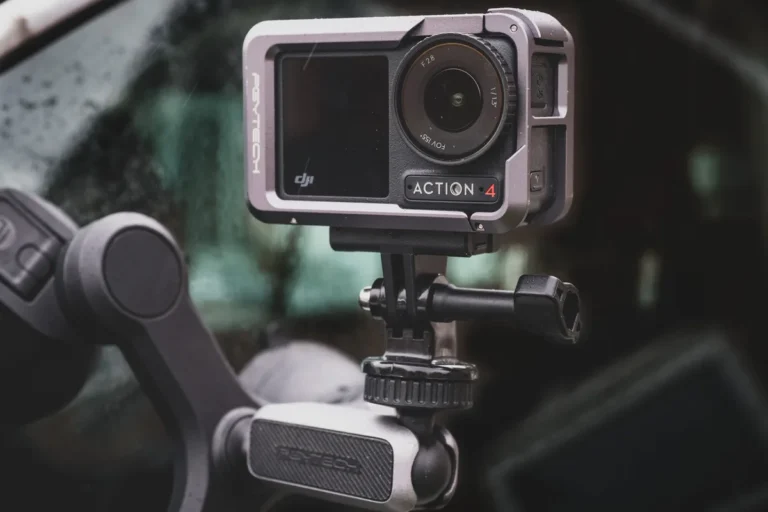
Finding out your dual-lens 360 camera refuses to boot can ruin a planned adventure. You might wonder why is my GoPro Max not turning on when the battery was supposedly full yesterday.
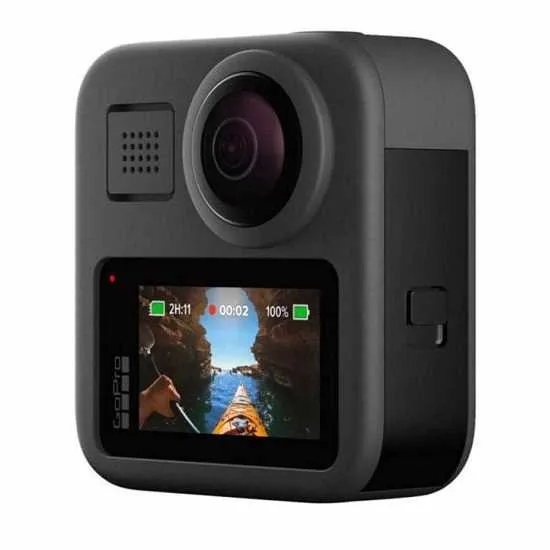
Image source: Bing (Web (fair-use with source credit))
Technical glitches, locked firmware states, or simple power-contact issues usually cause this frustrating behavior. Let’s walk through the exact steps to bring your device back to life without losing your footage.
Quick Answer
A GoPro Max often fails to boot due to a frozen battery state. Pulling the battery for ten seconds forces a hard reset. Check that your battery door clicks completely shut.
A loose latch cuts electrical flow to the motherboard. Swap to a wall adapter delivering 5V and 2A to revive completely drained cells.
The Quick Fixes: Try These First Before Panicking
When your camera stays dark, start with the most common physical resets. Pressing the power button for three seconds does nothing if the system state is entirely locked up. You need to strip away power sources and let the internal capacitors drain completely.
Manufacturer specifications indicate that removing the lithium-ion power source for a full ten seconds clears temporary memory loops. Open the side compartment, pop out the power cell, and leave the device empty. While you are at it, consider how this compares to troubleshooting an underwater housing leak where moisture creates similar electrical shorts.
Try plugging the naked camera frame directly into a high-output wall block using an official USB-C cable. If a red front LED illuminates, your battery was likely the culprit or deep-discharged. If it remains dead, the issue runs deeper into physical connections or firmware crashes.
| Reset Step | What It Does | Recommended Time |
|---|---|---|
| Battery Pull | Clears system memory | 10 Seconds |
| Wall Charge | Delivers steady 5V/2A power | 30 Minutes |
| Button Hold | Forces soft boot signal | 10 Seconds |
The Battery and Door Latch Trap
The removable door assembly on your 360 camera doubles as a physical safety switch. If that sliding latch isn’t pushed all the way home, internal spring contacts fail to touch the battery terminals.
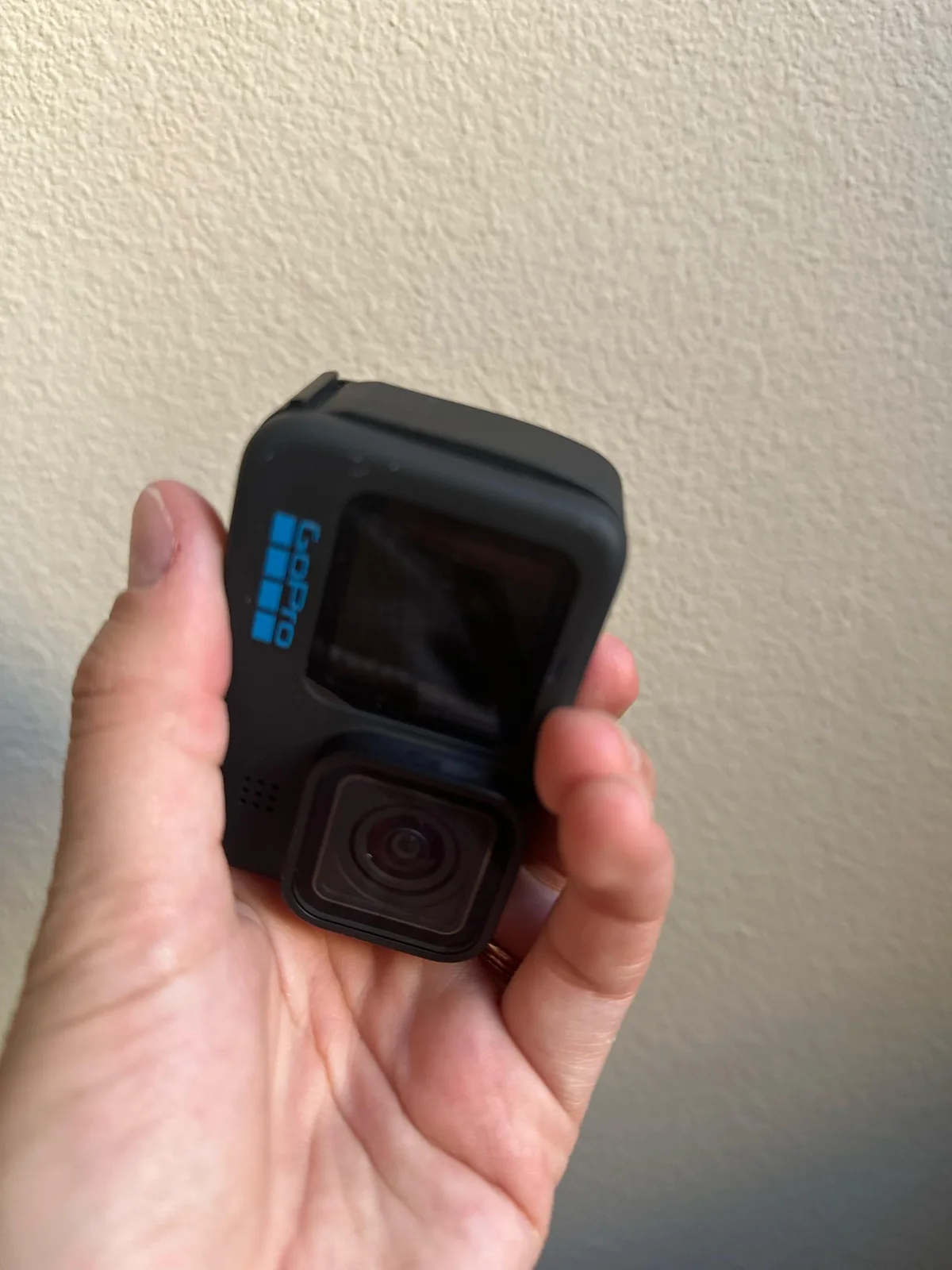
Image source: Web (Bing) / reddit.com (Web image (fair-use with source credit))
Inspect the rubber gasket inside the door for tiny bits of grit or sand. Even a microscopic piece of debris prevents the door from sealing tightly, which instantly kills power delivery.
If you use third-party power cells, check their physical dimensions against the original factory cells. Some aftermarket alternatives feature slightly different plastic tolerances that fail to trigger the internal micro-switches properly. Clean the gold contacts on your power cell with a dry microfiber cloth to wipe away invisible oils or oxidation.
When packing gear for a trip, a lightweight travel setup requires reliable power continuity. Clean contacts ensure your gear fires up right when you spot a scenic landscape.
Clearing Out a Corrupted SD Card Boot Loop
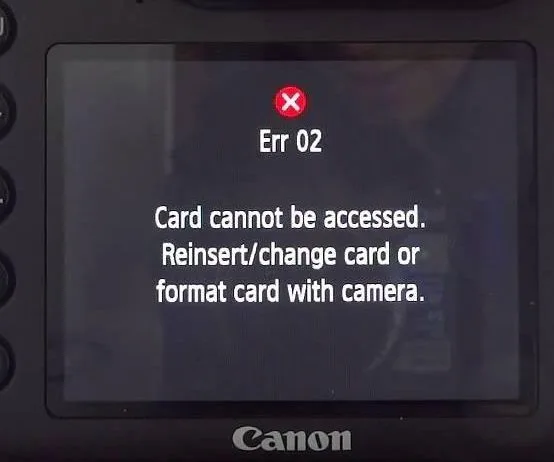
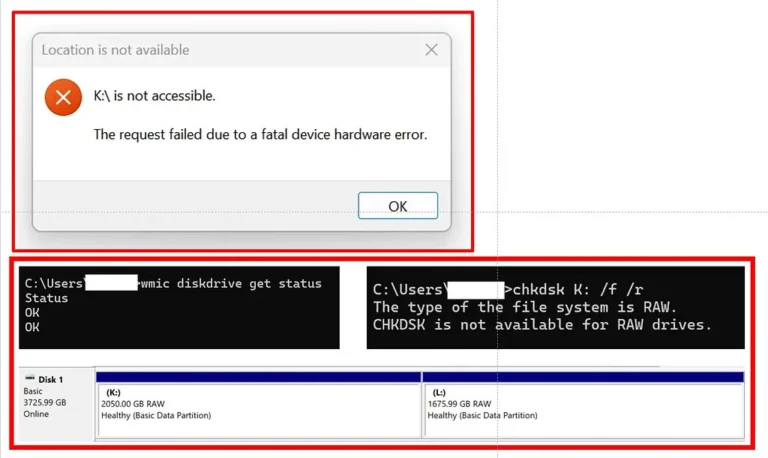
Your microSD card manages much more than just video files, as it frequently houses system logs and boot instructions. If the file system on that card gets corrupted during a previous write cycle, the camera might freeze on startup.
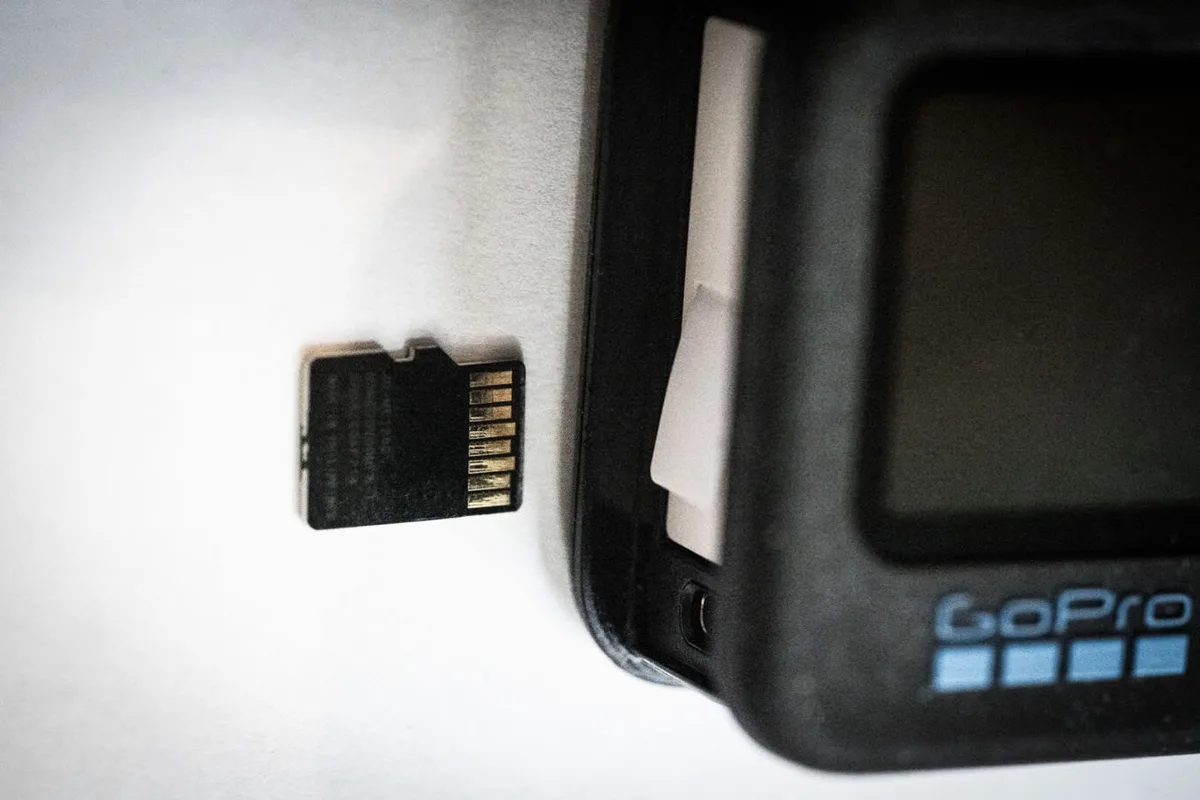
Image source: Web (Bing) / havecamerawilltravel.com (Web image (fair-use with source credit))
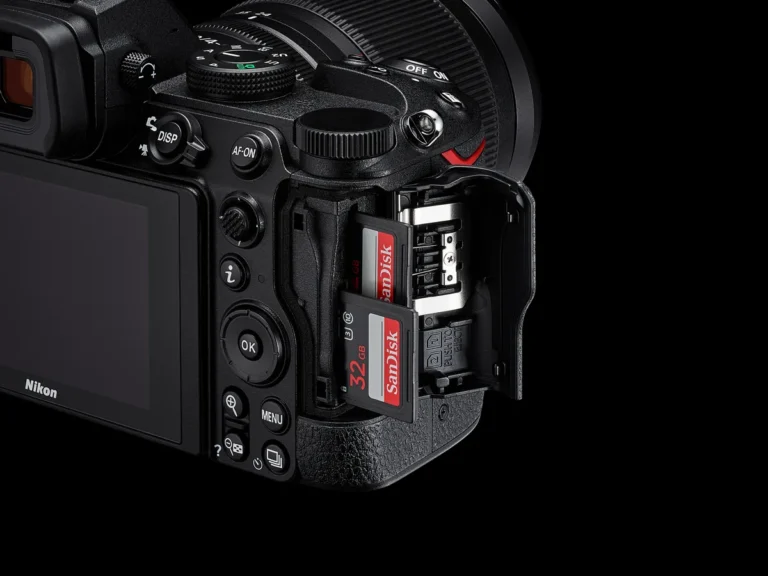
Eject the memory card entirely and try booting the camera using only the battery. If the device powers on normally without the card inside, you have found your culprit.
Formatting the card inside a computer or swapping to a fresh V30-rated card usually solves the boot loop instantly. Never format your storage cards using quick PC tools if you can avoid it, as official manufacturer instructions advise using the camera menu or dedicated SD formatting tools to prevent block allocation errors.
If you plan to use a travel camera with zoom capabilities alongside your 360 gear, keep a spare formatted card in your kit. This small habit saves valuable shooting time in the field.
Dealing with a Frozen or Bricked Firmware State
Interrupted software updates leave your camera in a bricked state where the buttons do nothing. If the device lost power halfway through writing a firmware update file, the operating system cannot load.
Fixing this requires a manual firmware reload using an empty microSD card formatted to FAT32. Download the update folder directly from the official GoPro support portal, extract the files onto the root directory of your card, and insert it into the powered-off camera.
When you turn the device back on, it should automatically detect the recovery files and begin flashing the firmware safely. Keep the battery fully charged before attempting this process so the camera doesn’t die mid-update.
If you capture scenic landscapes in remote areas, having stable firmware ensures your equipment stays dependable far away from home.
Common GoPro Max Power Mistakes to Avoid
Skipping basic maintenance checks often leads to recurring power failures in the field. Many users store their devices with dead batteries inside, which allows the lithium cells to drop below safe voltage thresholds. Once a cell drops past this critical point, the internal management board locks it out permanently to prevent fire hazards.
Avoid using low-quality charging bricks or standard computer USB ports that fail to supply the required current. When you head out for a shoot, treating your power management with care keeps your camera dependable. If you also pack a reliable security device for basecamp monitoring, consistent power sources remain just as vital.
Always check that your charging cables show no signs of fraying or internal wire damage. Damaged cables drop voltage levels significantly before electricity ever reaches the camera port. Keeping your charging gear in top condition prevents mysterious power drops during long recording sessions.
Frequently Asked Questions About GoPro Max Power Issues
How long does it take a dead GoPro Max battery to charge?
A completely drained 1600mAh battery typically requires about two hours to reach full capacity using a wall adapter. If the battery was deeply discharged, the initial recovery phase might take up to twenty minutes before the charging LED even turns on. Always give the unit time to register a charge before assuming the hardware is broken.
Can cold weather stop my GoPro Max from turning on?
Extreme cold temperatures slow down chemical reactions inside lithium-ion batteries and cause sudden voltage drops. If you shoot in freezing conditions, keep your spare batteries in an inside pocket close to your body heat. Warming a cold battery often restores normal voltage levels instantly and lets the camera boot up without trouble.
What should I do if the camera only works when plugged into external power?
A camera that refuses to run on battery power alone usually points to a dead power cell or dirty battery contacts. Swap in a fresh battery and clean the internal camera pins with a dry cotton swab dipped in isopropyl alcohol. If a new battery fails to solve the issue, the internal power management chip may require professional repair.
Is it safe to leave my GoPro Max charging overnight?
Modern GoPro batteries feature internal protection circuits that stop drawing current once the cell reaches maximum capacity. Leaving the unit plugged in overnight does not cause overcharging or damage the battery health. Unplug the device once full if you want to extend overall cell longevity over several years of heavy use.