How Long Does It Take a GoPro Max to Charge?
Shooting immersive 360-degree footage requires a lot of juice, and keeping your gear ready for the next adventure is a top priority. Whether you are prepping for a weekend trek or sorting out your daily kit alongside a top-rated lightweight shooter, knowing your power timelines matters.
Understanding how long does it take a GoPro Max to charge helps you avoid dead batteries out in the field. Manufacturer documentation confirms that a standard charging cycle takes about three hours from zero to one hundred percent when using the correct wall adapter.
Quick Answer
A GoPro Max takes about three hours to charge. You need a 5V and 2A wall brick. Laptop USB ports charge much slower.
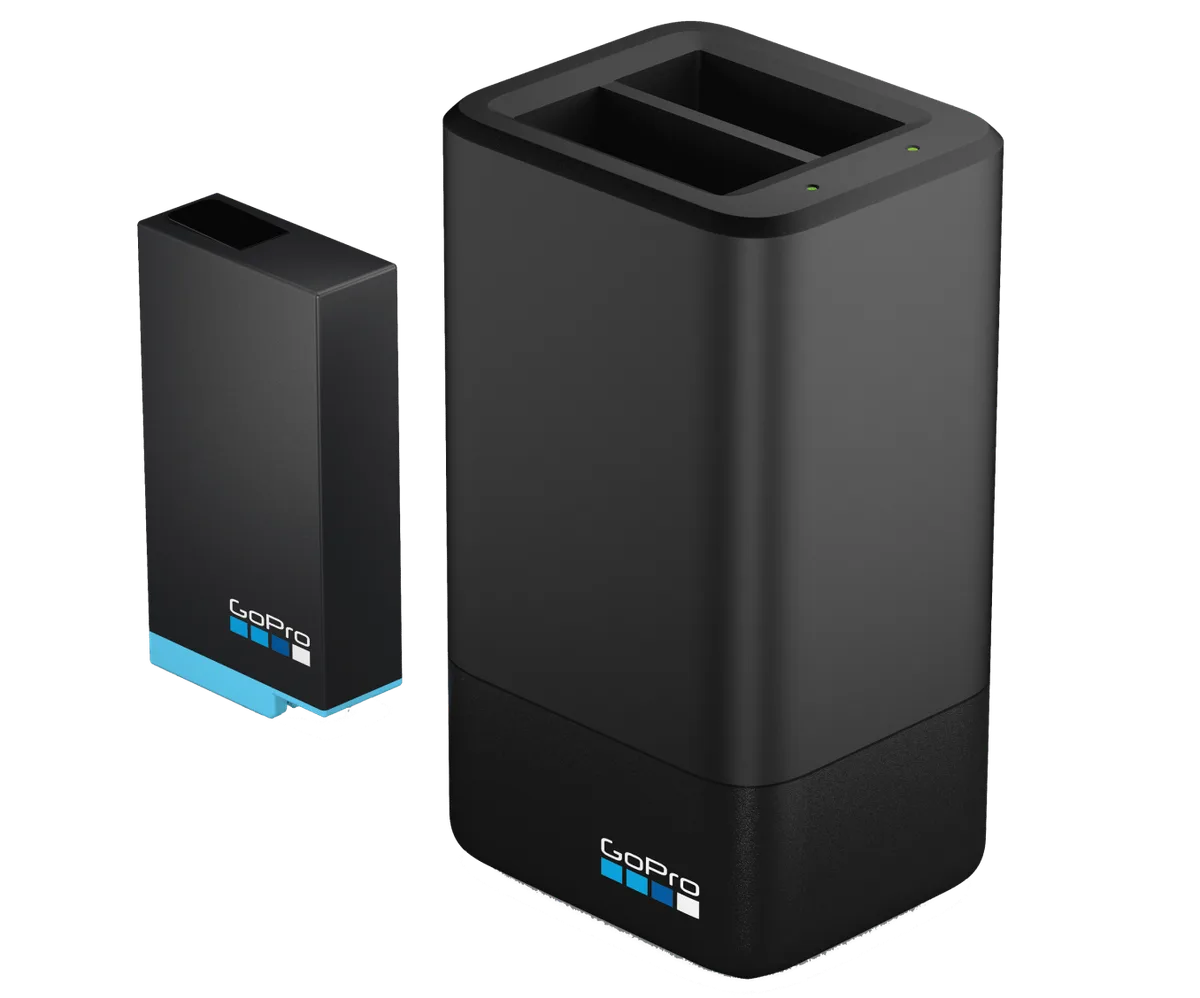
External dual docks speed up multi-battery setups. Always use certified USB-C cables.
What’s Actually Inside That Battery (And Why Charging Speeds Vary)
Power management on a 360-degree camera is demanding because the device runs dual lenses and processors simultaneously. The GoPro Max relies on a 1600mAh lithium-ion battery pack designed specifically for its unique power draw. When you plug the camera in, the internal power management chip regulates the electrical current to prevent overheating.
This safety measure means your camera will not accept a massive surge of power all at once. Charging speeds start fast when the battery is completely drained, but they slow down significantly once the charge passes eighty percent. This taper protects the lithium cells from degradation.
Environmental factors also play a huge role in how fast electrons flow into the battery chemistry. If you leave your camera sitting in direct sunlight or a freezing car, internal sensors will temporarily halt charging entirely to prevent permanent damage. As GoPro Official Documentation notes, maintaining a moderate room temperature during power restoration keeps performance steady.
The Real-World Testing: In-Camera vs. External Dual Charger Timelines
Real-world usage rarely matches ideal laboratory conditions, which is why testing actual timelines gives you a better picture. When you plug a standard USB-C cable directly into the camera body connected to a wall block, you can expect a full charge in roughly 180 minutes. Using a computer USB port stretches this timeline past four hours because computer ports typically output only 0.5A to 0.9A of current.
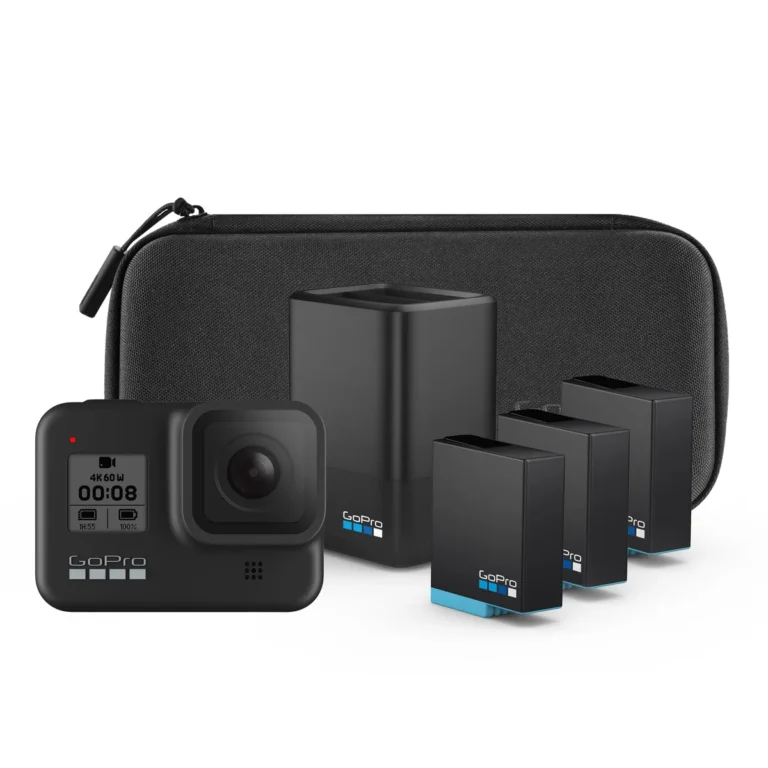
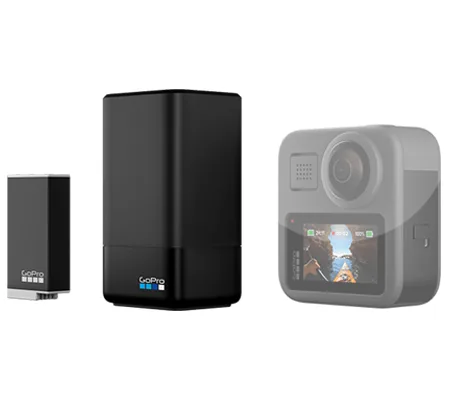
If you shoot long-form content or rely on a reliable travel zoom camera for B-roll alongside your Max, managing multiple batteries is essential. Swapping to an external dual battery charger changes your workflow entirely. Aggregate user feedback shows that charging two spare batteries simultaneously in an external dock takes about two and a half hours, provided your wall adapter delivers a steady 5V/2A output.
| Charging Setup | Power Source | Average Time (0-100%) | Best Use Case |
|---|---|---|---|
| In-Camera | Wall Adapter (5V/2A) | ~3 Hours | Casual shooters with one battery |
| In-Camera | Computer USB Port | 4 to 6 Hours | Emergency top-ups only |
| External Dual Dock | Wall Adapter (5V/2A) | ~2.5 Hours | High-volume content creators |
| External Dual Dock | Power Bank (PD) | ~2.5 Hours | Field charging on location |
The Biggest Culprits Behind Slow GoPro Max Charging
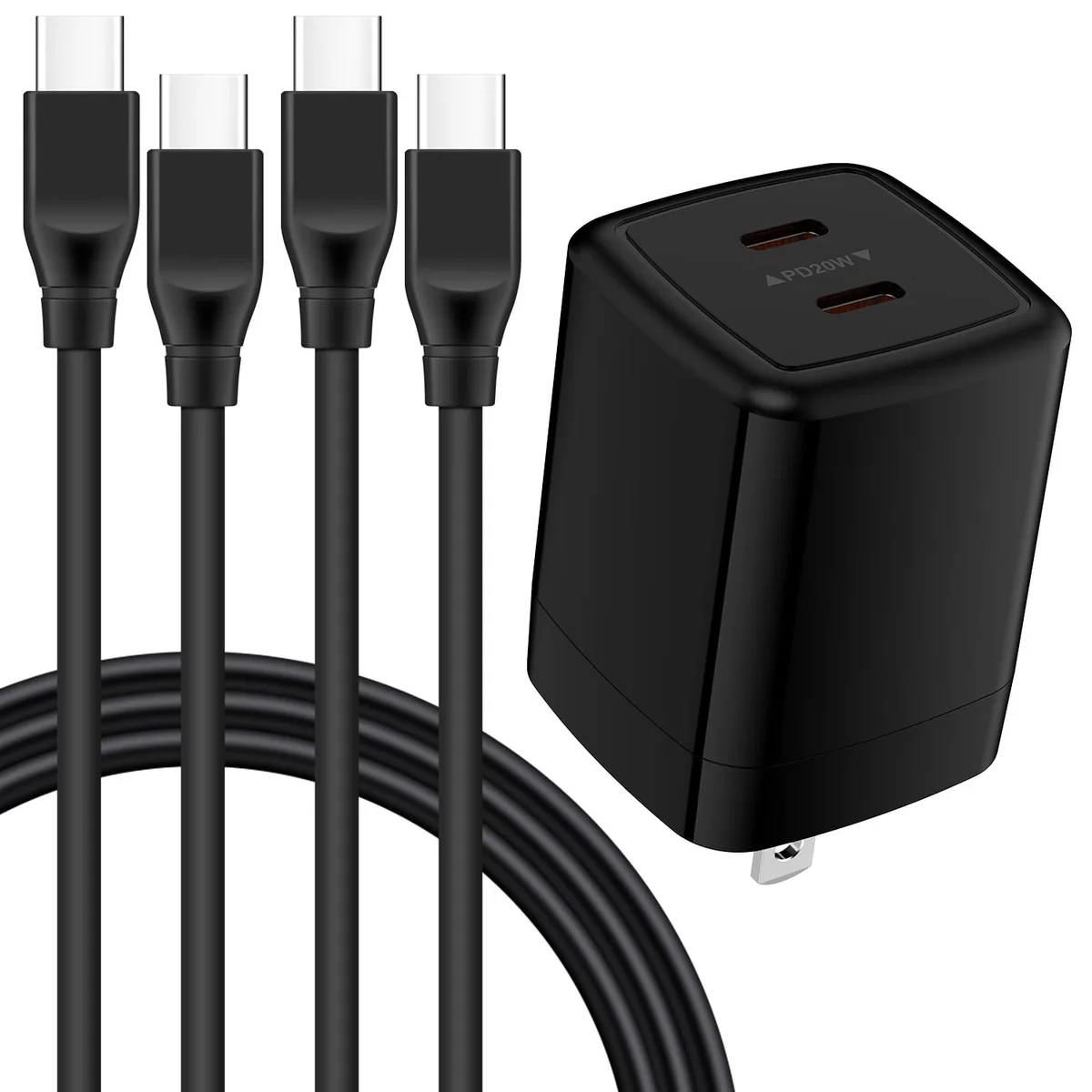
Plugging your gear in and walking away only to find it half-dead hours later is intensely frustrating. The most common culprit is an underpowered wall brick, such as an old iPhone cube that outputs only 5V and 1A. Your camera will draw power, but it simply cannot pull enough current to hit standard charging speeds.
Another frequent issue involves damaged or cheap replacement cables that lack proper internal copper wiring. A subpar cable introduces electrical resistance, which throttles the power delivery down to a trickle. When paired with a sturdy outdoor security setup back at basecamp, your charging station needs clean, reliable lines to function properly.
Thermal throttling is the hidden bottleneck that catches many creators off guard. If you just finished a heavy recording session, the camera body and battery will be hot. Plugging a hot battery directly into a charger triggers a safety lock.
The system waits for the internal components to cool down before accepting a full current, adding an unexpected delay to your turnaround time.
Smart Habits to Keep Your GoPro Max Battery Healthy Longer
Extending the lifespan of your lithium-ion power packs comes down to a few straightforward maintenance habits. Never store your batteries at zero percent charge for weeks at a time, because deep discharge cycles permanently damage the internal cells. If you are packing away your gear for the off-season, leave the batteries sitting around fifty percent charge in a cool, dry place.
Avoid leaving your gear plugged into a wall outlet overnight on a regular basis. Modern chargers do cut off power when the battery hits one hundred percent, but keeping a lithium cell at maximum voltage under constant trickle conditions accelerates chemical aging. Unplug the device once the front LED indicator turns solid blue or completely shuts off.
Keep the metal contact pins clean and free of dirt, oil, or corrosion by wiping them gently with a dry microfiber cloth every few weeks. Dirty contacts create electrical resistance, which misleads the charging circuit and slows down energy transfer. Treat your power accessories with the same care you afford your macro photography kit, and your gear will reward you with consistent uptime.
Frequently Asked Questions About Charging a GoPro Max
Does fast charging work with the GoPro Max camera?
Fast charging does not speed up the camera beyond its standard 5V/2A input limit. The internal charging circuitry restricts high-voltage power delivery to prevent overheating during operation. Using a high-wattage power delivery brick will not melt your battery, but it will pull the exact same amount of current as a standard 10W wall block.
Can you charge a GoPro Max using a portable power bank?
Portable power banks work well for field charging as long as they output a steady five volts and at least two amps. Many compact external bricks deliver enough juice to top up your camera during a remote hike or a long day of travel. Always check the output specifications printed on the casing of your power bank before plugging in your gear.
Why does the camera get warm while plugged into the wall?
Energy transfer naturally generates a small amount of heat as electrical current moves into the lithium-ion chemistry. This warmth remains normal unless the camera feels uncomfortably hot to the touch or displays a thermal warning message. If the device overheats, unplug the cable immediately and let it cool down in a shaded area.
What do the indicator lights mean during the charging process?
The front status light glows solid red while the battery actively accepts power from an attached cable. Once the internal charge reaches one hundred percent, that red LED turns off completely. If the indicator light blinks red rapidly, the camera has encountered a charging error due to temperature extremes or a faulty connection.
Is it safe to leave the camera plugged in overnight?
Leaving your camera plugged in overnight will not instantly destroy the battery thanks to built-in cutoff circuits. However, keeping lithium cells at maximum voltage for hours on end accelerates chemical aging over time. Unplugging the device once the charging cycle finishes helps preserve long-term battery capacity.